
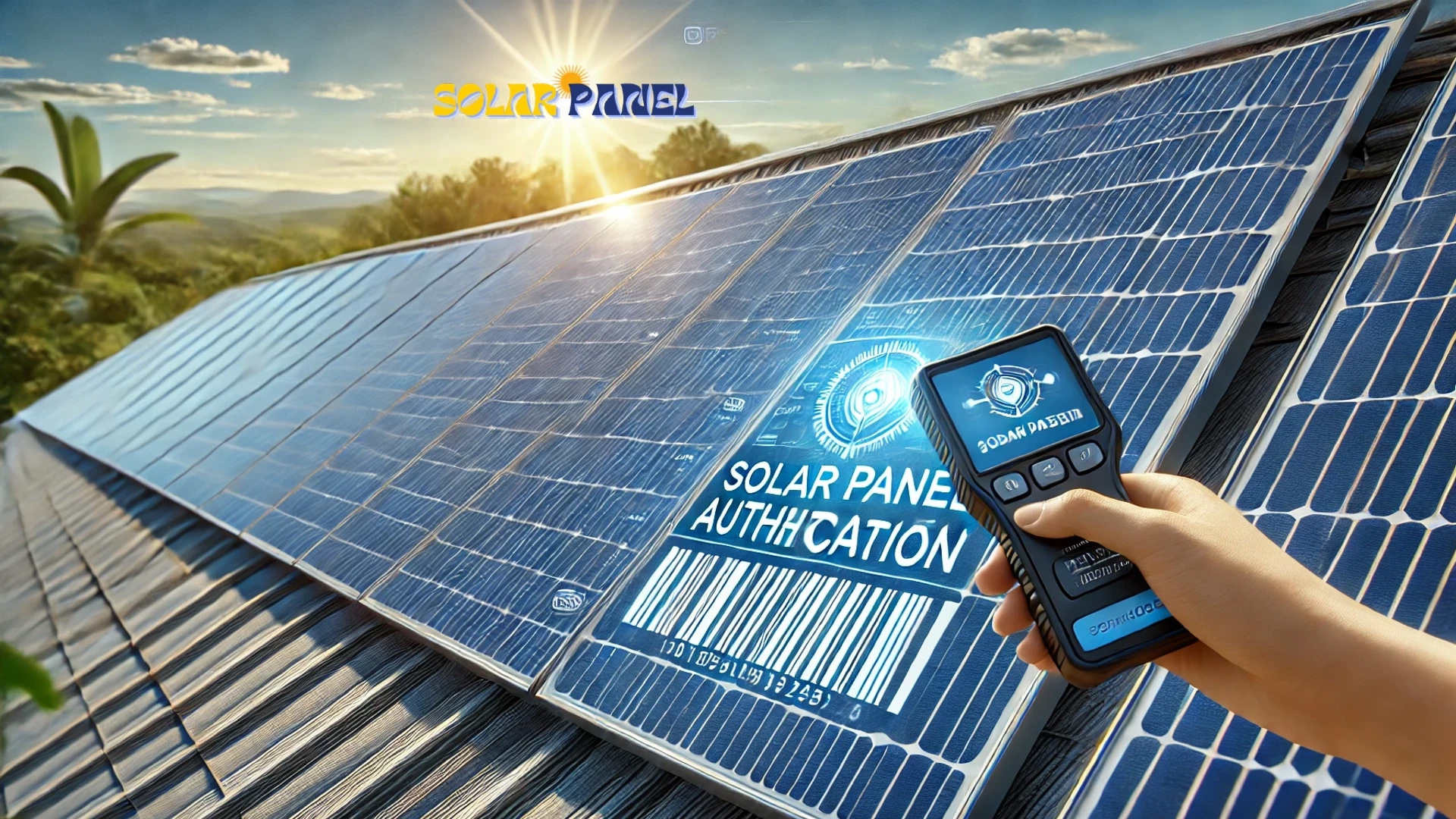
Solar Panel Authenticity: Verification Checklist for Pakistan
Check a solar panel’s manufacturer identity, physical condition, invoice and warranty before installation. These are related questions, but they are not the same question. A genuine module can be used, damaged, incorrectly specified or sold without a practical claim route. A printed logo or a successful serial lookup does not settle every issue.
Reviewed by Solar Energy Desk, 11 November 2026. This guide provides a purchase-record workflow. It does not estimate how common counterfeiting is in Pakistan, authenticate a particular shipment or claim that we have inspected your modules.
Separate four checks
| Check | Evidence to request | What it cannot establish alone |
|---|---|---|
| Identity | Manufacturer response matching model and module identifier | Condition of the physical goods |
| Condition | Delivery inspection and appropriate professional tests | Brand ownership or warranty eligibility |
| Specification | Matching official datasheet and design review | That every delivered module matches the order |
| Warranty | Applicable written terms, invoice and claim contact | Automatic free labour, freight or replacement |
Step 1: Write the exact order
Specify the manufacturer, full model code, wattage bin, quantity and whether the modules must be new. Record any agreed condition or grade description in writing. Ask for the matching datasheet and warranty documents before paying a deposit. A family name and a phrase such as premium A-grade do not identify the entire product.
Confirm the supplier’s trading identity, invoice details, delivery responsibilities and process for rejecting goods that do not match the order. If the seller claims authorised status, verify that relationship through the manufacturer’s published contact channel rather than relying on the seller’s badge.
Step 2: Start from the manufacturer
Type the manufacturer’s official address or follow a link from its verified main website. A search advertisement, social-media message or QR sticker can lead to a lookalike verification site. Check the destination before entering product details.
- LONGi: use its PV module-authenticity page and follow the current barcode instructions.
- Jinko Solar: start from Jinko’s official website and its support or serial-authentication service.
- Canadian Solar: start from the manufacturer download centre and customer support to locate current product and claim resources.
- Other manufacturers: locate the current module-identification service through their official website, or ask published support to verify the product.
Interfaces and required fields can change. Follow the current service instructions instead of assuming that every manufacturer uses an identical three-step form. Do not treat a temporary lookup failure as proof of counterfeiting.
Step 3: Match identifiers with the physical shipment
Use the manufacturer’s instructions to locate module identifiers. Record the model code and serial or barcode for each delivered module, not just the first panel in a pallet. Compare the identifier with the invoice, packaging record where available and official response.
Check that the response refers to the same model and wattage. Repeated identifiers across different modules, inconsistent label information or a response for a different product need an explanation from official support. Retain the result with its date; a screenshot without the underlying identifier and context is a weak purchase record.
A copied serial can belong to a real module. That is why a positive lookup should be assessed alongside physical labels, invoice traceability and the supplier’s records. If support cannot resolve a discrepancy, do not describe the shipment as verified.
Step 4: Inspect delivery condition safely
Before installation, photograph packaging and visible condition. Look for broken glass, damaged frames, visibly loose components, inconsistent labels or evidence that the goods do not match the agreed new or used condition. Ask the supplier to record damage and the proposed remedy before the modules are mounted.
Visual inspection cannot reveal every defect and cannot conclusively prove authenticity. A good-looking panel can still have problems. A qualified installer or testing provider can assess condition with appropriate equipment and document the method, conditions and results.
Do not open junction boxes, disconnect live PV connectors or perform improvised electrical tests to prove identity. Electrical output depends on sunlight, temperature and the measurement setup. A simple watt reading that differs from the nameplate is not by itself evidence of a fake product.
Step 5: Check certificates without trusting the logo alone
IEC references describe standards. TÜV and UL are testing or certification organisations. A mark printed on a label can be copied and is not conclusive evidence that the delivered module has the stated certification. An ISO management-system claim is also different from product identity.
Request the manufacturer-hosted certificate applicable to the exact model. Compare the model coverage, certificate number and issuing organisation. If the document is unclear or inconsistent, ask the manufacturer or issuer to confirm it. Keep this evidence separate from the serial-check result.
Step 6: Establish the warranty route
Obtain the product warranty and power-output warranty that apply to the offered model, market and purchase. These cover different matters and can have different periods and exclusions. There is no universal 10-, 12- or 25-year cover that can safely be applied to every manufacturer and module.
Ask who accepts claims locally, how the warranty start date is determined and whether registration or installation records are required. Read who pays for removal, freight, testing and reinstallation. Ask what happens if the selling dealer stops trading.
A warranty card without the applicable terms and a traceable invoice is incomplete evidence. Conversely, the existence of a manufacturer warranty does not mean all installation workmanship is covered by that manufacturer.
New, used, refurbished, B-grade and counterfeit
Do not use these terms interchangeably. A used module may be genuine but have a service history that affects condition and value. A refurbished module has been repaired or reconditioned; request details of the work, test results and warranty. A counterfeit product misrepresents identity.
A-grade and B-grade are seller descriptions unless tied to a clear manufacturer classification and documented condition. Ask exactly what defects, testing and coverage are included. A low price can reflect stock age, quantity, condition or commercial terms; it is a reason to investigate, not proof of counterfeiting.
If your order specifies new modules, a genuine used substitute still does not meet that order. Resolve condition and identity separately so the seller cannot answer one question while avoiding the other.
What to do when the evidence conflicts
- Record the discrepancy with photographs, model code, identifier, invoice and the lookup result.
- Ask the supplier for a written explanation and the relevant manufacturer document.
- Contact the manufacturer through published support if identity, authorisation or claim eligibility remains unclear.
- Pause acceptance or installation of the disputed goods until the agreed purchase conditions are met.
- Retain correspondence and any professional test report with your purchase records.
Do not publicly accuse a supplier of counterfeiting merely because a website is unavailable or a field measurement is lower than the nameplate. State the evidence and ask for resolution.
A handover folder for each system
Create one folder containing the accepted quotation, invoice, serial list, delivery photos, verification results, model datasheets, installation manual, warranty terms and commissioning records. Include contact details for the seller, installer and claim handler. Keep a copy independent of the installer’s phone or messaging account.
When the supplier substitutes a module, update the records and ask the installer to recheck the electrical design. Authenticity does not establish inverter compatibility or roof suitability. Use the model comparison guide and installation handover guide for those decisions.
Example: a successful lookup with a mismatched invoice
Suppose the official verification service recognises a serial number, but the returned model differs from the model on your invoice. That is an unresolved discrepancy. It does not justify immediately declaring the seller fraudulent, and it does not justify accepting the shipment as fully verified.
Save the lookup result with its date, photograph the physical label and ask the seller to identify the product actually supplied. Refer the evidence to the manufacturer’s published support channel if the explanation remains unclear. Ask the installer to review compatibility if a different model is proposed.
Resolution should leave a consistent record: accepted product, physical label, corrected invoice where needed, applicable documents and the manufacturer’s response. A seller’s message saying that all panels are equivalent does not resolve the difference.
Use the same approach when a supplied identifier appears on more than one module. Record each affected unit separately and seek clarification before installation. The objective is a traceable purchase and a supported design, not a quick pass or fail based on one screen. Keep identity disputes separate from transit-damage claims so that the evidence for each issue remains clear.
Frequently asked questions
Does a QR code prove a panel is original?
No. Check the destination domain and returned details, then compare the physical module and purchase records. A code can be copied.
Does a serial lookup confirm warranty coverage?
Not necessarily. Read the applicable warranty terms and obtain confirmation if the purchase route, condition or market eligibility is unclear.
Are certification stickers enough?
No. Match the exact model to the manufacturer’s certificate and seek confirmation from the issuer when necessary.
Can an original module still perform poorly?
Yes. Damage, shading, dirt, electrical mismatch and installation issues can affect output. Use professional diagnosis rather than assuming every performance problem is counterfeiting.
What if the manufacturer has no public verification form?
Use its published support channel and provide the requested product evidence. Do not substitute an unrelated third-party lookup as proof.
Sources and limits
LONGi’s official authenticity service and its One Module One Code explanation describe manufacturer identification resources. Canadian Solar’s support page explains where to obtain claim documents. This workflow organises those checks; it does not authenticate a specific product or guarantee future savings.

Da solar online check